

Pick your two endpoints. See what goes where.
Architectures
Secure your sites, your cloud and your remote staff. Start with what you need.
Site to site comes first: one control room, hundreds of unmanned sites, field equipment nobody is allowed to touch. Edge to cloud and secure remote access follow.
Architecture 01
Control room on one side, your sites on the other
Multiple physical or virtual gateways are interconnected to route traffic between networks at different sites.
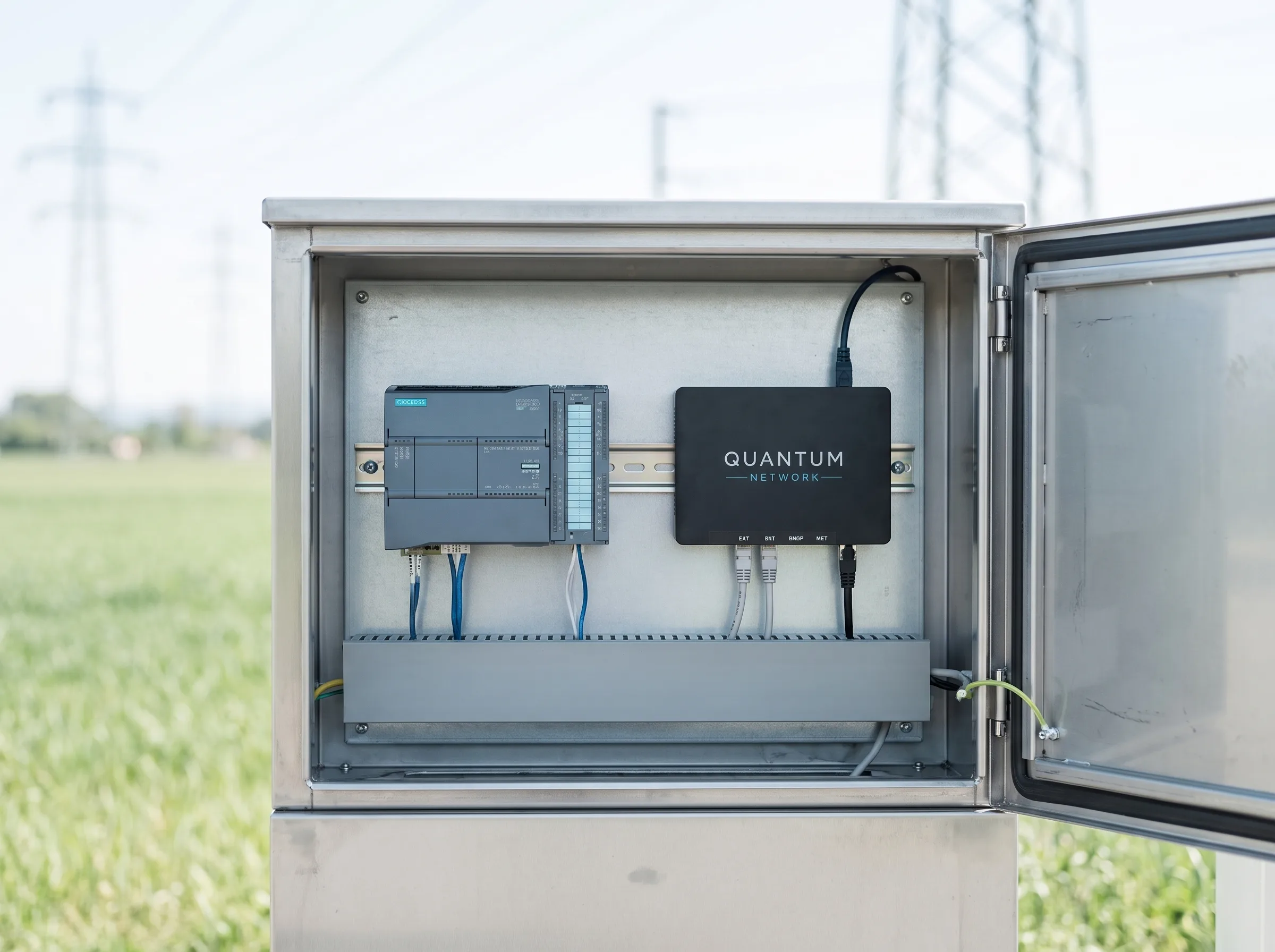
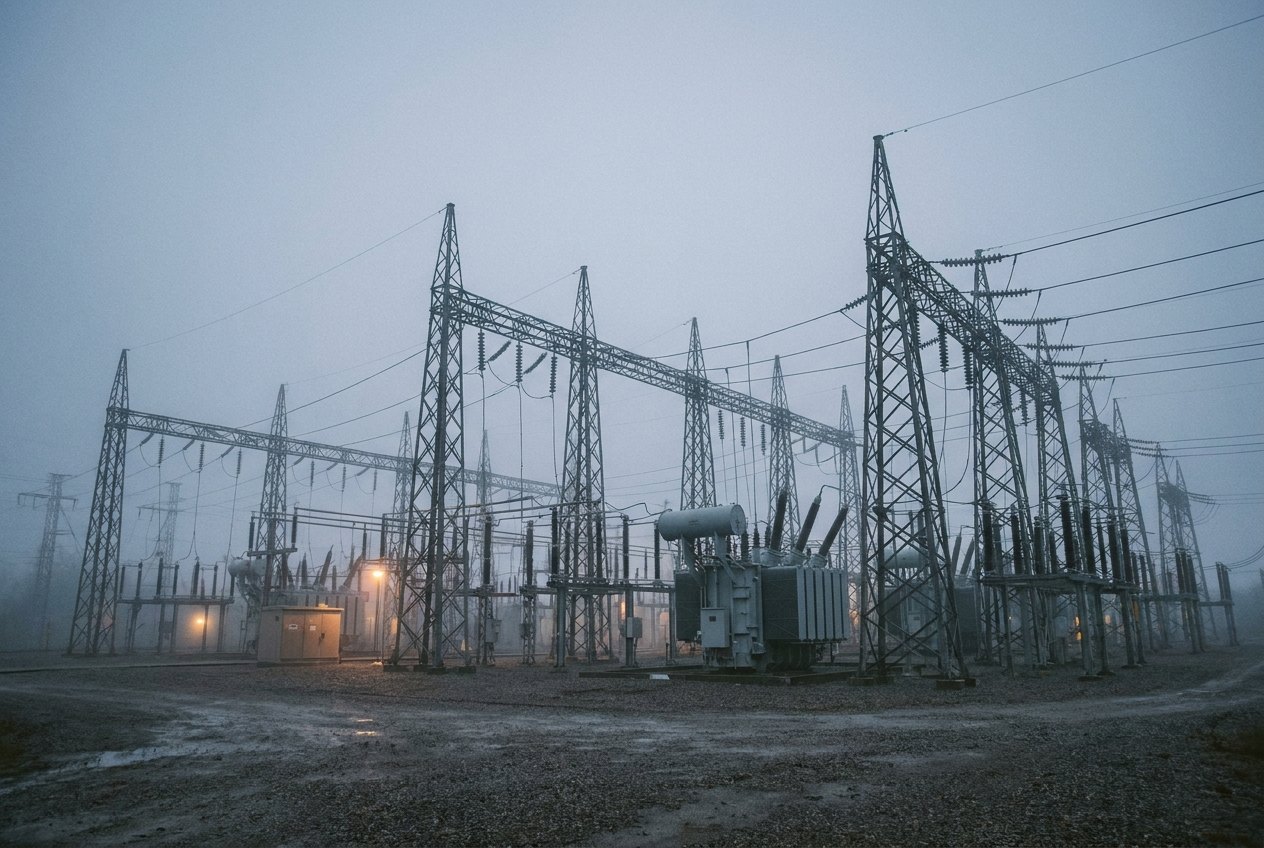
SubstationA cabinet at the far end
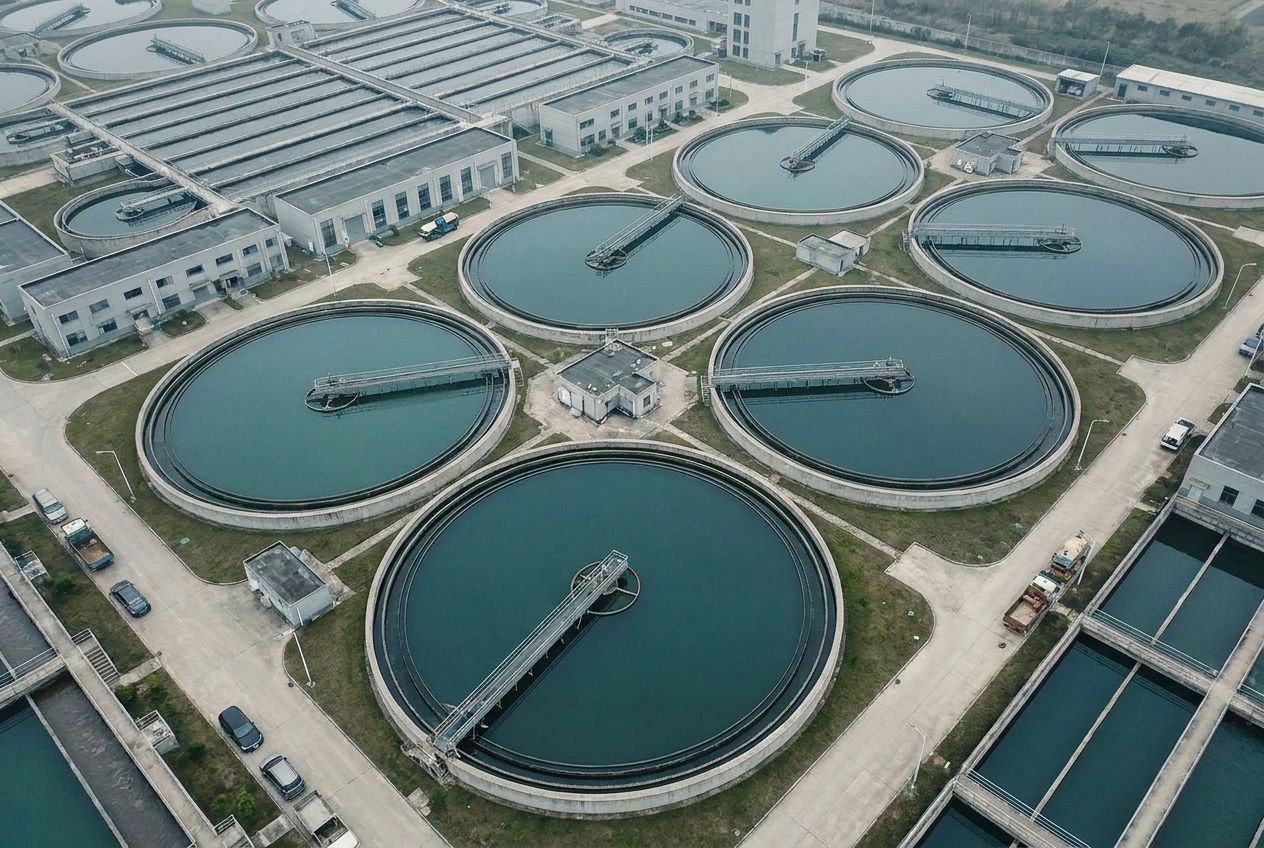
Pumping stationUnmanned, rarely visited
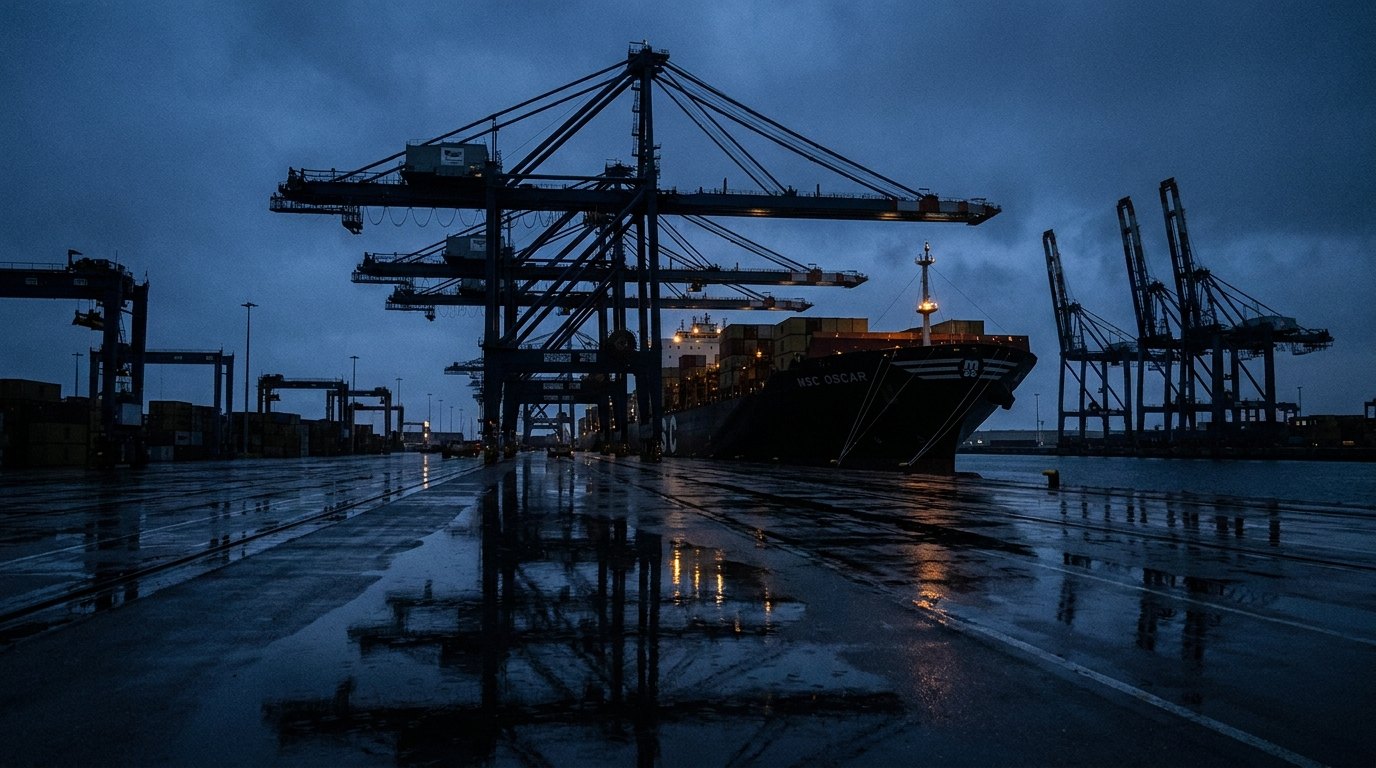
TerminalBarriers, cameras, crossings
What sits at each end
The cabinet and the control room
At the site, a gateway in the cabinet next to the PLC. At the control room, a physical or virtual gateway. Gateways can also be linked to each other (a mesh), so sites reach each other directly.
Real world uses
What it protects in practice
Connecting critical OT infrastructure assets. Multi-cloud interconnects. Mesh networks.
Who this fits
Distributed assets, one control room
Operators running distributed assets from a central control room over lines they do not own. The controller keeps its address and its protocol. The gateway in front of it carries the encryption.
100
Tunnels per physical gateway, up to
1 Gbit/s
On the external port
1 ms
Latency, typical
No hard limit
on the number of gateways in a deployment
Internal testing on a physical gateway: 950 Mbit/s at MTU 1500, 990 Mbit/s at MTU 9000. Latency varies with load and distance.
Architecture 02
Your local network on one side, your own cloud on the other
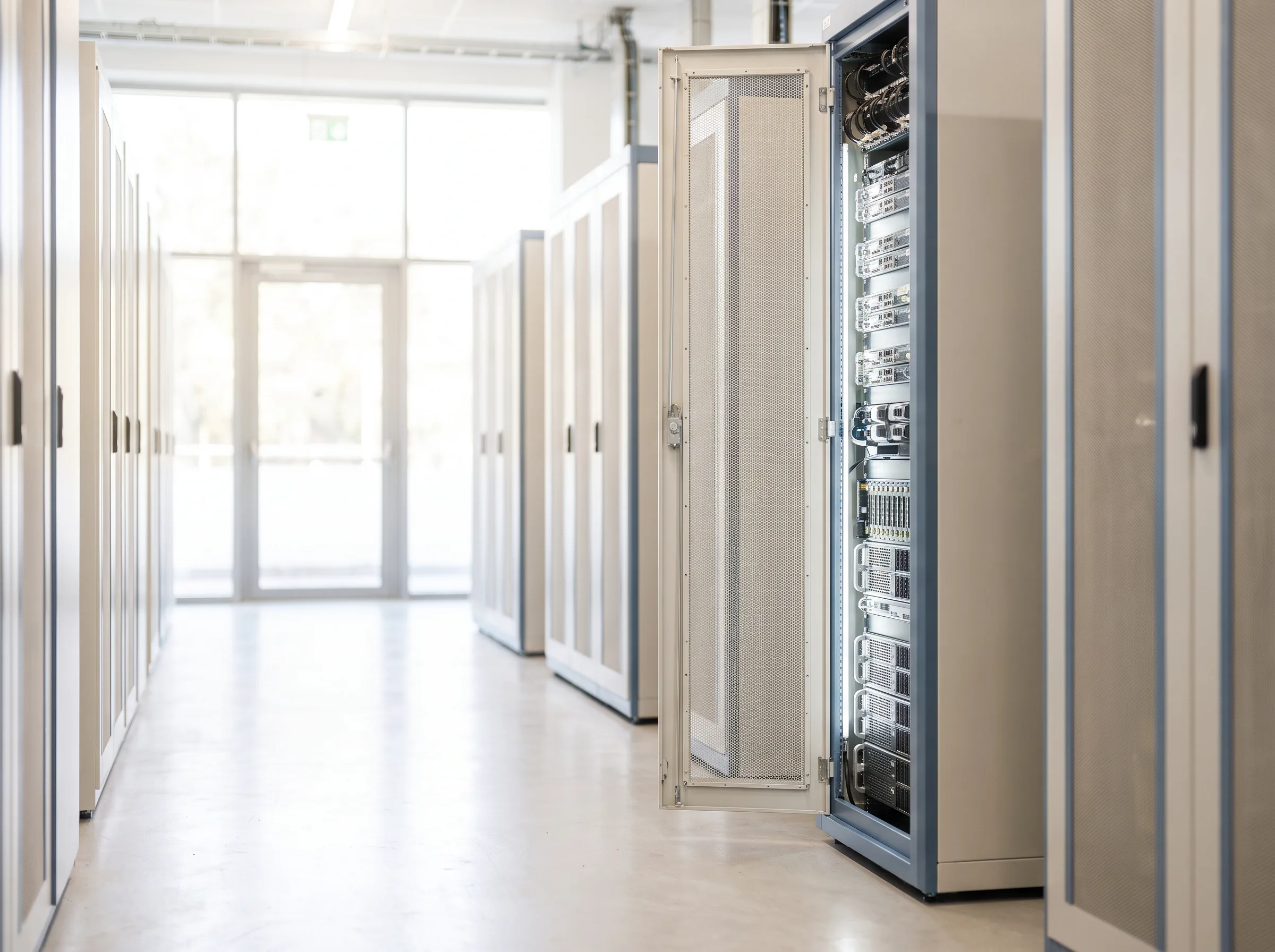
An edge gateway connects to a virtual gateway in your own data centre or cloud, on a supported Linux platform. Traffic between the two is encrypted end to end.
What sits at each end
The edge, and your own private cloud (VPC)
At the edge, a gateway in front of one device or the whole site network. In the cloud, a virtual gateway inside your own environment. The tunnel ends inside your own cloud, not on the provider’s firewall.
Real world uses
What it protects in practice
Branch office or shop floor to the main data centre. IoT sensor data collected at the edge. Home office protection.
Who this fits
Data that lands in a cloud application
Anyone pulling sensor or meter readings into a cloud application and finding that the last decision about the cryptography belongs to the provider, not to them.
Architecture 03
A gateway on one side, a person with a laptop on the other
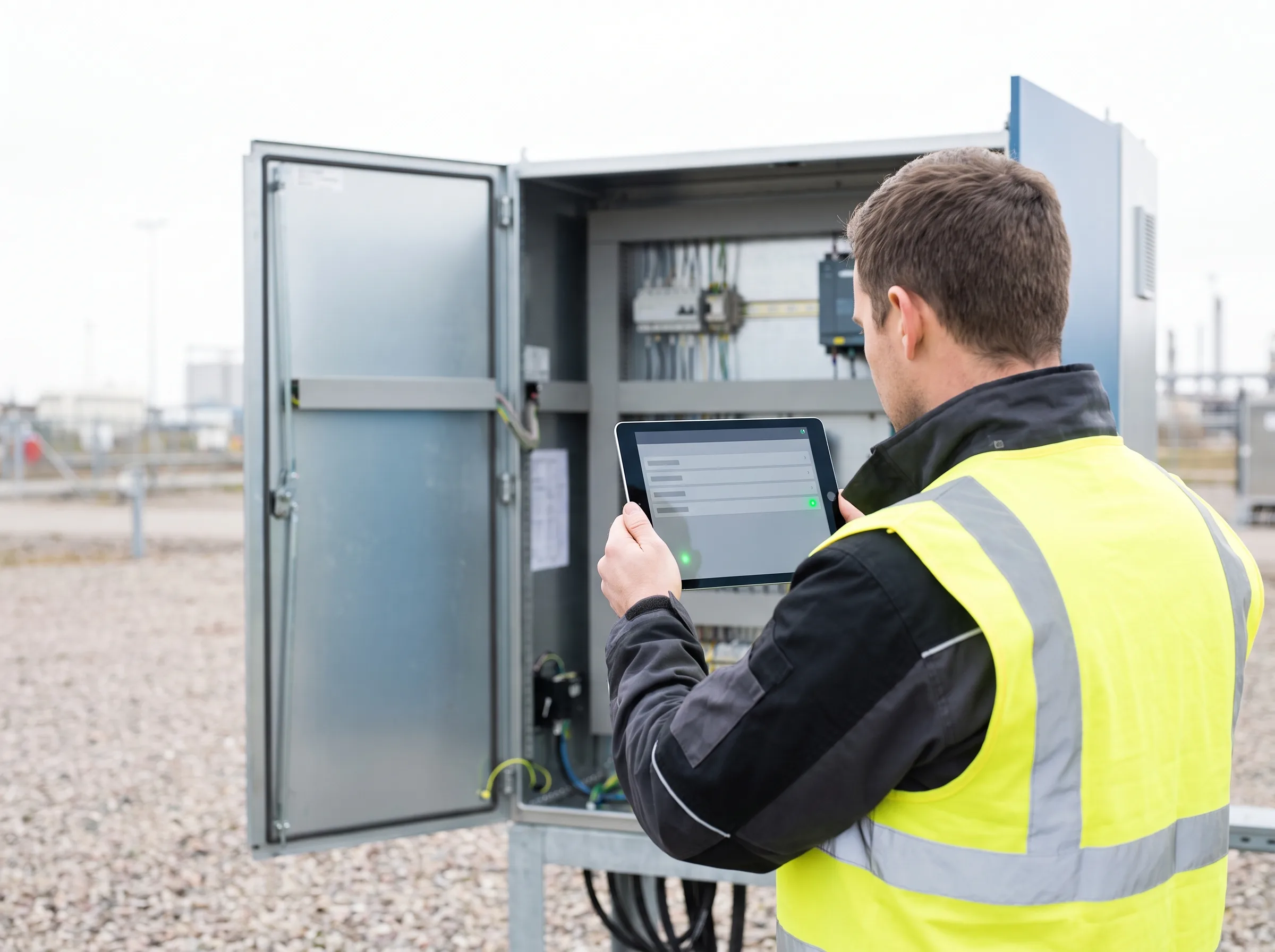
Each gateway also accepts remote connections from laptops running the client for Windows or macOS.
What sits at each end
A gateway, and the machine in the bag
At the fixed end, any gateway, physical or virtual. At the moving end, the client on Windows or macOS. The clients need no incoming firewall ports opened for them.
Real world uses
What it protects in practice
Laptops for OT technicians and for remote work. Remote operation of critical assets. Drone control, software only.
Who this fits
The person at the open cabinet
The field engineer at an open cabinet with a laptop. The on call operator picking up an alarm from home at 03:00.
One box, both jobs
One gateway secures your site links and your remote users.
The same gateway that terminates your site to site tunnels also hosts client connections. One box at the control room serves both.
In front of the device
Almost nothing behind the gateway changes
Existing devices are connected quantum safe by placing a gateway in front of the device, or in front of the whole network that needs to reach those applications.
The choice is yours
One per device, or one per site
One gateway per device where a single controller matters, one per site where the whole cabinet or the whole plant network goes across together.
Behind it
Nothing moves
Legacy and non-quantum-safe devices and applications keep their protocols for years, with no firmware work on the devices themselves. Where a site still runs on public IP addresses, we decide on the readdressing together, per site, in the design.
Where it is worth most
Investment protection, in the plain sense
Modernising installed equipment takes years. A gateway in front of those assets protects them without replacing them, and keeps the service life you already paid for.
Integration
It fits the network you already have
The gateway co-exists with your firewalls, routers and network architecture. It does not replace them.
Where it sits
A gateway goes in front of your existing firewall when that firewall still has to inspect the traffic, and behind it when it does not.
How it is integrated
By adding or adapting routes. In most environments servers, clients and applications are left alone, and anything beyond that is named in the design.
What the clients need
They support DHCP addresses and require no incoming firewall ports.
One known exception, stated up front
In home and small offices some network clients may need adapting, because carrier routers often lack the routing the gateway expects. Mention it when you request your configuration and it gets designed around.
Limit one, before the architecture workshop
Active high availability is not supported. A replacement gateway restores the encrypted configuration backup. In larger projects, load balancing in front of several virtual gateways is designed with our consultants.
Limit two, before the architecture workshop
A physical gateway supports up to 100 tunnels at up to 1 Gbit/s, which is the number that decides how many gateways your control room end needs.
Qualifier
Is this you?
Site to site
You run a control room and tens to hundreds of sites you rarely visit
Cabinets with a PLC or RTU (the controllers that run your equipment), cameras, barriers, pumps, reached over somebody else’s line. You want the traffic quantum safe without a field device programme.
Edge to cloud
Your data leaves the edge and lands in a cloud application
Sensors, meters or shop floor readings, and today the last word on the cryptography belongs to your cloud provider. You want the encryption to end inside your own private cloud (VPC), not with the provider.
Secure remote access
Your people need in from outside
Technicians at the cabinet, engineers from home, operators reaching critical assets from wherever they are.
Connectivity
Your line is not reliable, or there is no line
Remote sites, closed networks, emergency response. LTE or satellite covers locations with no fixed line. Anything that speaks IP works, except carrier grade NAT. The gateway sends no telemetry. In most environments outgoing internet access stays enabled, because DNS and updates need it, and a firewall policy switches it off for a closed site.
Before you ask
Three things to have ready.
The scenario
Which of the three you are drawing.
The fixed end
Which side has a public IP address or DNS name, usually a virtual gateway in your own data centre or cloud.
LTE or Wi-Fi
Whether any site needs LTE backup, or a Wi-Fi hotspot behind the gateway.
Those three answers are enough to come back with a topology and a bill of materials rather than a brochure.
Upgrade to quantum-safe protection
See which gateways you need and where they go, in a few questions.
Answer a few questions about your locations and connections. You see an indicative configuration straight away: which gateways, and where they sit in your existing network.
Manage risk. Reduce your exposure.
No contact details needed to see your configuration.
Rather talk it through? Book a 30-minute call